Your iPhone does so much more than make calls or send texts. Tucked away inside its settings are powerful tools that many people never find. These iPhone hidden features can save you time, improve your privacy, and make your phone much easier to use. In this guide, we will explore practical tricks for both new and older devices, including some exciting iPhone 17 hidden features that Apple didn't talk about on stage.
You will learn how to type faster, take better photos, stop spam calls, and even use your phone as a document scanner. These simple changes will transform how you use your device every single day.
What Are the Best iPhone Hidden Features You Should Use Today?
Apple designs its phones with a clean and simple look. But behind this simple design, there are many smart tools. These tools are not always easy to find. Here are some of the best iPhone hidden features that are ready for you to start using right now.
Master the Keyboard with QuickPath and Text Replacement
Typing on a phone can feel slow. But your iPhone has two secret tools to help you type much faster.
First, there is the QuickPath keyboard. Instead of lifting your finger to tap each letter, just slide your finger across the keyboard. Swipe from letter to letter to spell out your words. This is a great way to send messages with one hand.
Second, you can set up text replacement shortcuts. This is a powerful time-saver. Go to Settings > General > Keyboard > Text Replacement. Here, you can create short codes for long phrases. For example, type "omw" and it will turn into "On my way!" instantly . This helps you send common replies and important information without typing the same thing over and over.
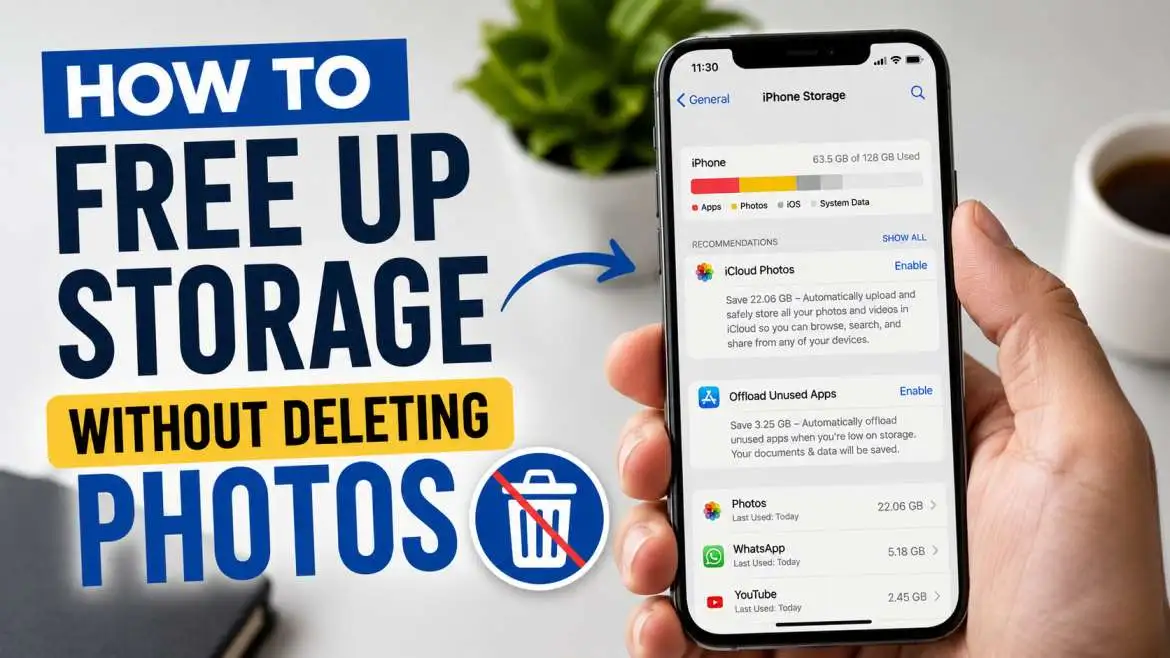
You may also read :- How to Free Up Storage Without Deleting Photos: Easy Ways
Use the Back Tap for Instant Actions
Your iPhone has a hidden button right on its back. The Back Tap feature lets you double-tap or triple-tap the back of your phone to perform actions. To turn this on, go to Settings > Accessibility > Touch > Back Tap . You can choose what happens when you tap. You can open the camera, pull down the Control Center, or even run a shortcut. This is one of the easiest iPhone hidden features to use.
Scan Documents Without a Third-Party App
You do not need a separate scanner app on your iPhone. The Notes app has a built-in document scanner. This is one of the most useful iPhone hidden features for work and school.
Open the Notes app and create a new note. Tap the camera icon and select Scan Documents . Hold your phone over the paper. The iPhone will automatically capture the page. It will straighten the image and make it clear. You can sign the document right on your phone and share it with anyone.
How Do You Access iPhone 17 Hidden Features?
The new iPhone 17 series has special features that Apple did not announce at the big launch event. These iPhone 17 hidden features are powerful and make the new phones stand out.
Faster Charging Speeds Are Here
A big upgrade for the iPhone 17 is the charging speed. With a new 40W power adapter, the iPhone 17 can reach a 50% charge in about 20 minutes . This is a big improvement over older models. The Pro models also support 25W wireless charging. This means you spend less time plugged into the wall and more time using your phone.
Important Note: The new iPhone Air is different. It charges slower. The iPhone Air reaches 50% in 30 minutes, so the speed boost is only for the main iPhone 17 models .
The Mystery Strip at the Top Explained
You might look at an iPhone 17 Pro and notice a strange plastic strip on the top edge. This is not a design flaw. It is actually a hidden part of the phone. This strip is a window for the 5G mmWave antenna .
This antenna gives you super-fast 5G speeds. The strip is mostly on U.S. models because these networks are common there. The strip is made of a special material that lets radio signals pass through. This is needed because the new aluminum body can block signals . This is one of the most talked-about iPhone 17 hidden features.
The Hidden "Field Test" App
Some iPhone 17 Pro users have spotted a hidden app called "Field Test." This is not a normal app you see on your home screen. It is a tool for checking cellular data, signal strength, and connection types .
You can open the Field Test menu by dialing *3001#12345#* in the Phone app and pressing call . This screen shows technical details about your network. Apple keeps this mostly hidden from the average user. If you see it in your settings, there is no need to worry. It is just a legitimate diagnostic tool .
Which Hidden Features Make Your iPhone Smarter?
Many iPhone hidden features are designed to help you in your daily life. They can keep you safe and help you avoid problems.
Silence Unknown Callers to Stop Spam
Spam calls are annoying. Your iPhone can help you stop them. Turn on Silence Unknown Callers. This sends calls from numbers not in your contacts, messages, or recent calls straight to voicemail .
You can find this in Settings > Phone > Silence Unknown Callers. This is a perfect solution to stop unwanted interruptions.
Vehicle Motion Cues for a Smoother Ride
Do you get car sick when looking at your phone? The iPhone has a feature called Vehicle Motion Cues to help. It shows small animated dots on the edge of the screen. These dots move with your car. This helps your eyes and body sync up, which can reduce nausea .
You can find this in Settings > Accessibility > Motion. Turn on Vehicle Motion Cues. It is a small change that makes a big difference.
Crash Detection for Safety
Your iPhone can detect if you are in a severe car crash. This feature uses sensors to recognize a crash. If you are unresponsive, the iPhone will automatically call emergency services and alert your emergency contacts . It is a serious safety feature that works in the background.
How Can You Customize Your iPhone with Hidden Settings?
You can make your iPhone look and feel the way you want with these iPhone hidden features.
Hide Home Screen Pages
You can hide entire pages of apps on your Home Screen. This is a great way to remove clutter without deleting apps.
Just press and hold an empty area on the Home Screen. Tap the page dots at the bottom. You will see all your screens. Uncheck the pages you want to hide . This feature keeps your phone clean and organized.
Randomize Your Wallpaper
You can set your wallpaper to shuffle automatically. Go to Settings > Wallpaper > Add New Wallpaper and choose Photo Shuffle . You can pick from categories like People, Nature, or Cities.
Your lock screen will change throughout the day. It keeps the look of your phone fresh. You can even create a special album just for wallpapers.
Use LED Flash for Alerts
If your phone is on silent, you might miss calls or texts. Turn on LED Flash for Alerts. This makes the camera flash blink when you get a notification. This is useful when your phone is face down or across the room .
Go to Settings > Accessibility > Audio & Visual. Turn on "LED Flash for Alerts." It’s a simple but effective trick.
What Are the Best Hidden Communication Features?
Your iPhone is a communication tool. These iPhone hidden features make talking and sharing easier.
Schedule a Text Message for Later
You can schedule a text message to send at a specific time. This is great for remembering birthdays or sending a message when you are busy.
In the Messages app, type your text. Then, long-press the send button. You will see options to send the message now or later. Choose a time and date. Your iPhone will send it automatically .
Share Wi-Fi Passwords in Seconds
Sharing a Wi-Fi password is very easy with an iPhone. You do not even need to type the password.
Make sure your iPhone is unlocked. Hold it near the other person's iPhone or Apple device. A pop-up will appear on your screen. Tap "Share Password," and it will connect the other device . This works between Apple devices and is a huge time-saver.
Quick Photo Access in Messages
Sending a photo is something we do often. You can save a tap by using a hidden shortcut.
When you are in the Messages app, long-press the plus icon next to the text box. Your recent photos will open instantly . This is much faster than going through the full menu. It is a tiny change that makes messaging faster.
Have Siri Read Your Messages
When you are driving or your hands are busy, Siri can read your messages. Just say, "Hey Siri, read my new messages." Siri will read your texts aloud without you opening the app . You can also ask Siri to reply for you. This keeps you connected without looking at your phone.
Frequently Asked Questions
How do I use the hidden magnifier on my iPhone?
You can turn your iPhone into a magnifying glass. Go to Settings > Accessibility > Magnifier, and turn it on. Then, triple-click the side button to open the magnifier. You can zoom in on small text or objects .
Can I find hidden software tricks on older hardware models?
Yes, most system tools like the keyboard trackpad, app locking, and message scheduling work perfectly on older devices. However, hardware-specific upgrades like the adjustable flashlight beam require a device that has a modern island screen layout.
Where do applications go when I hide them from my home screen?
Hidden applications are moved automatically to a secure, encrypted folder located at the very bottom of your app library page. You must use a valid face scan or password to unlock this specific folder and see what is inside.
Will the rumored iPhone 17 hidden features work on older devices?
Advanced tools like dual camera recording and vapor chamber thermal management rely on the newest A19 processor chips and upgraded front-facing lenses. Because of these physical requirements, those specific features will remain exclusive to the newer hardware models.




.webp)